El Forn
While you paint, the studio’s colours look pale. The kiln brings them to life. Try it here, before you come.
Paint your piece
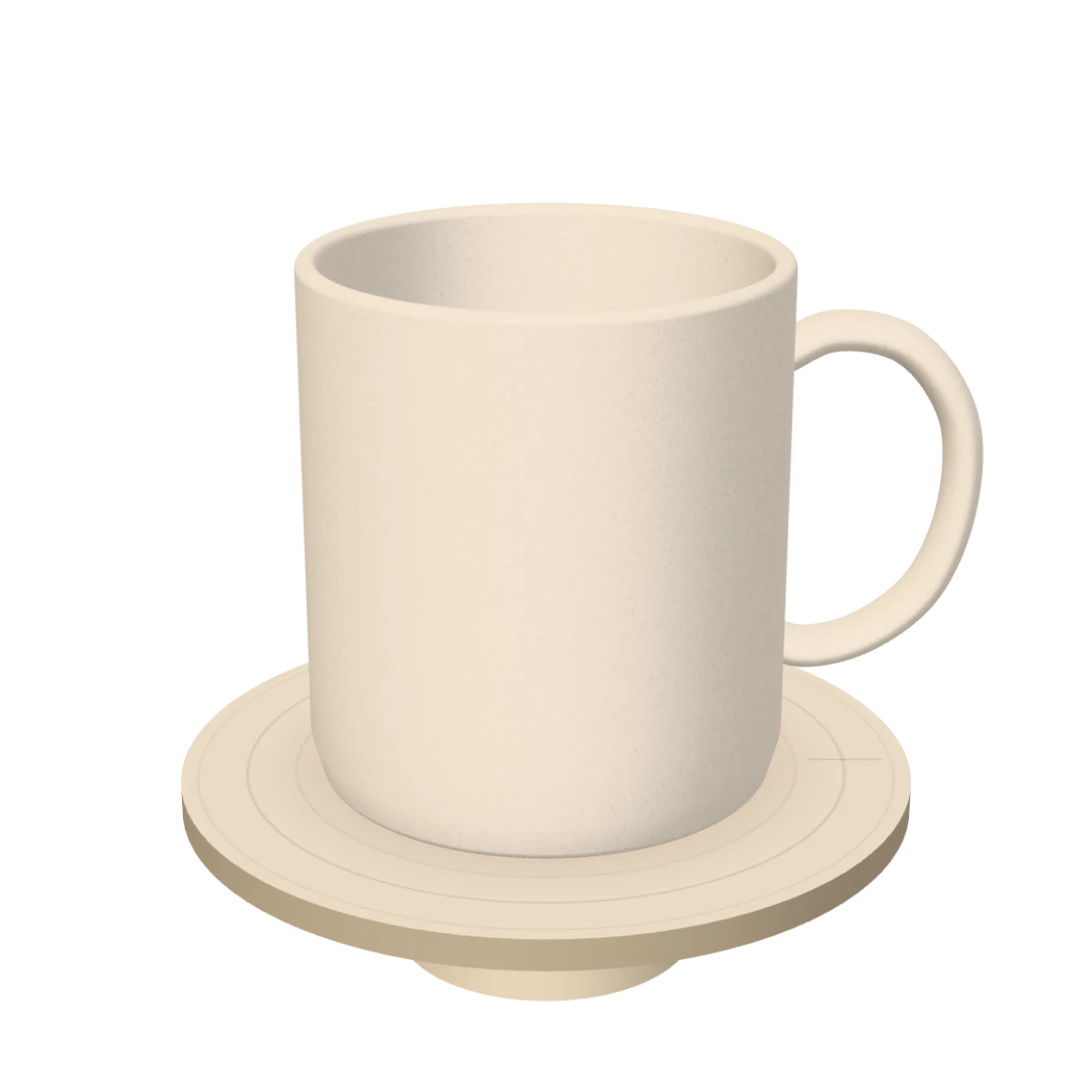 How it looks while you paint
The piece is fired. Paint again to carry on.
With a keyboard: the arrow keys turn the piece, + and − bring it closer or further. To paint without a mouse, pick a sample design.
With «Turn» on, one finger (or the mouse) turns the piece instead of painting.
An approximate simulation: the real colour can change a little after firing.
One continuous line, no gaps. Size, softness and opacity below.
Pick a sample design
Uses the chosen colour and a second one. Works with the keyboard.
The kiln
Paint something, or pick a design without drawing, before firing it.
And now
Book an afternoon and bring your design: we attach it to your booking.
An approximate simulation: the real colour can change a little after firing.
Link copied
The colour chart
The studio’s paints are numbered. On the plate each number has two bands: the inner one is the colour as you paint it, the outer one as it comes out of the kiln. Pick a number.
- Inner · while painting
- Outer · after the kiln